extends Node2D
var fd:FileDialog
var logic=false
const CHUNK_SIZE = 1024
func hash_file(path):
    # Check that file exists.
    if not FileAccess.file_exists(path):
        return
    # Start an SHA-256 context.
    var ctx = HashingContext.new()
    ctx.start(HashingContext.HASH_SHA256)
    # Open the file to hash.
    var file = FileAccess.open(path, FileAccess.READ)
    # Update the context after reading each chunk.
    while file.get_position() < file.get_length():
        var remaining = file.get_length() - file.get_position()
        ctx.update(file.get_buffer(min(remaining, CHUNK_SIZE)))
    # Get the computed hash.
    var res = ctx.finish()
    # Print the result as hex string and array.
    printt(res.hex_encode(), Array(res))
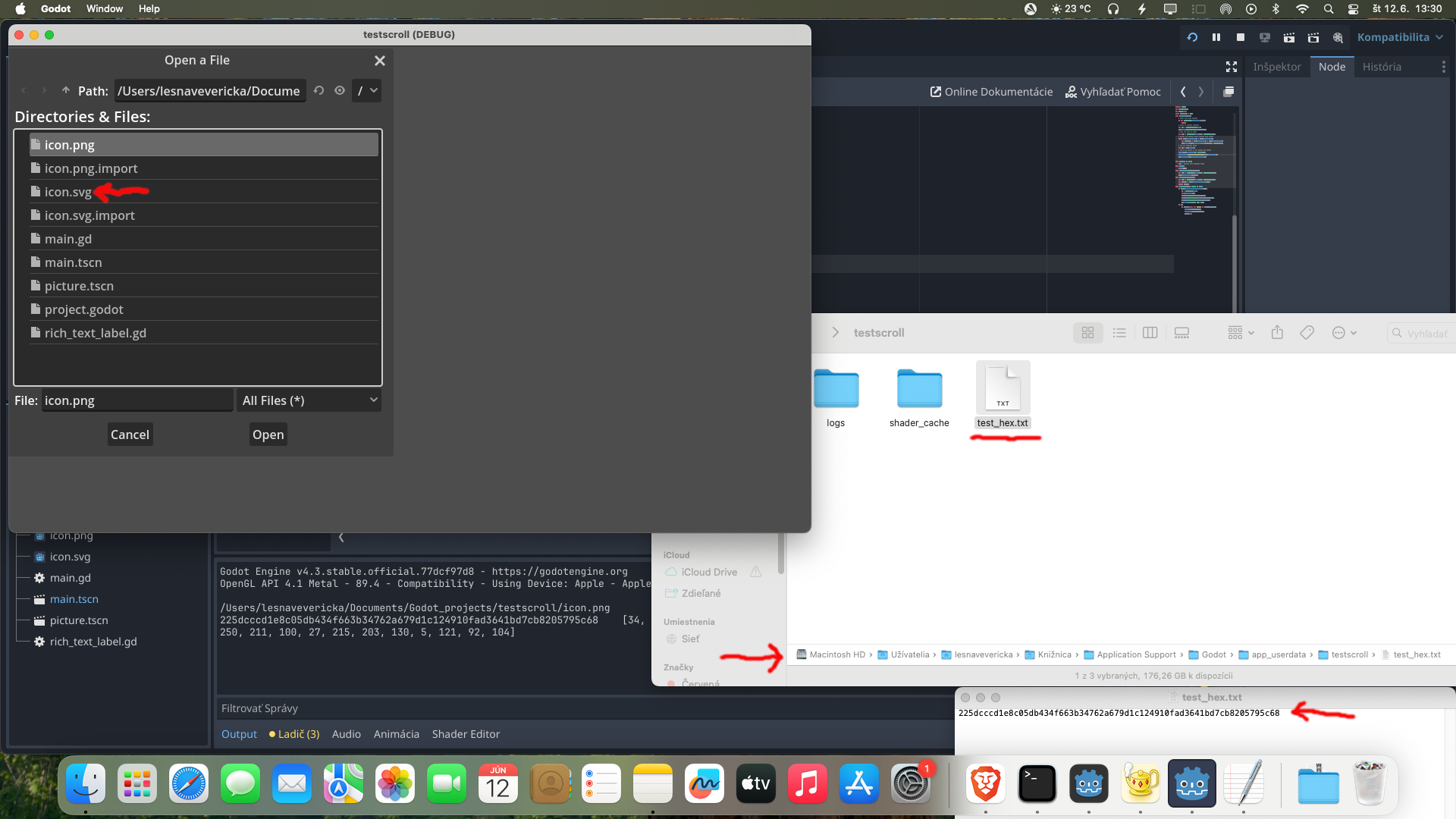
    save_to_file("user://test_hex.txt",res.hex_encode())
    OS.shell_open(OS.get_user_data_dir())

func _ready() -> void:
    pass # Replace with function body.
func prnt():
    print("ok")
func save_to_file(path,content):
    var file = FileAccess.open(path, FileAccess.WRITE)
    file.store_string(content)
func load_from_file(path):
    var file = FileAccess.open(path, FileAccess.READ)
    var content = file.get_file_as_bytes(path)
    return content
func _process(delta: float) -> void:
    if Input.is_action_just_released("a"):
        fd = FileDialog.new()
        self.add_child(fd)
        fd.mode=FileDialog.MODE_WINDOWED
        fd.file_mode=FileDialog.FILE_MODE_OPEN_FILE
        fd.access=FileDialog.ACCESS_FILESYSTEM
        fd.popup(Rect2(0,0, 500, 500))
    if fd:
        if logic==false and "icon" in fd.current_path:
            print(fd.current_path)
            hash_file(fd.current_path)
            logic=true