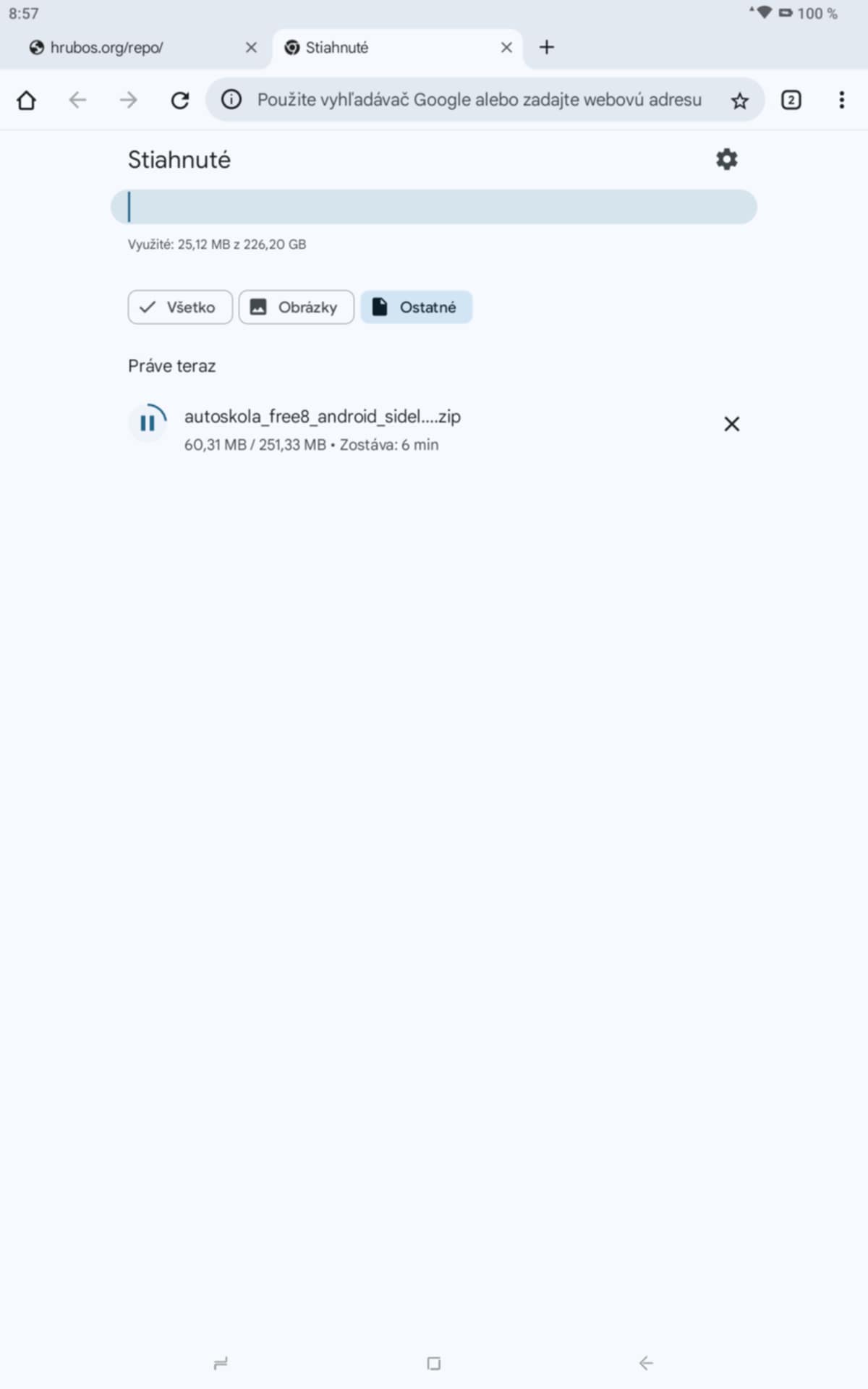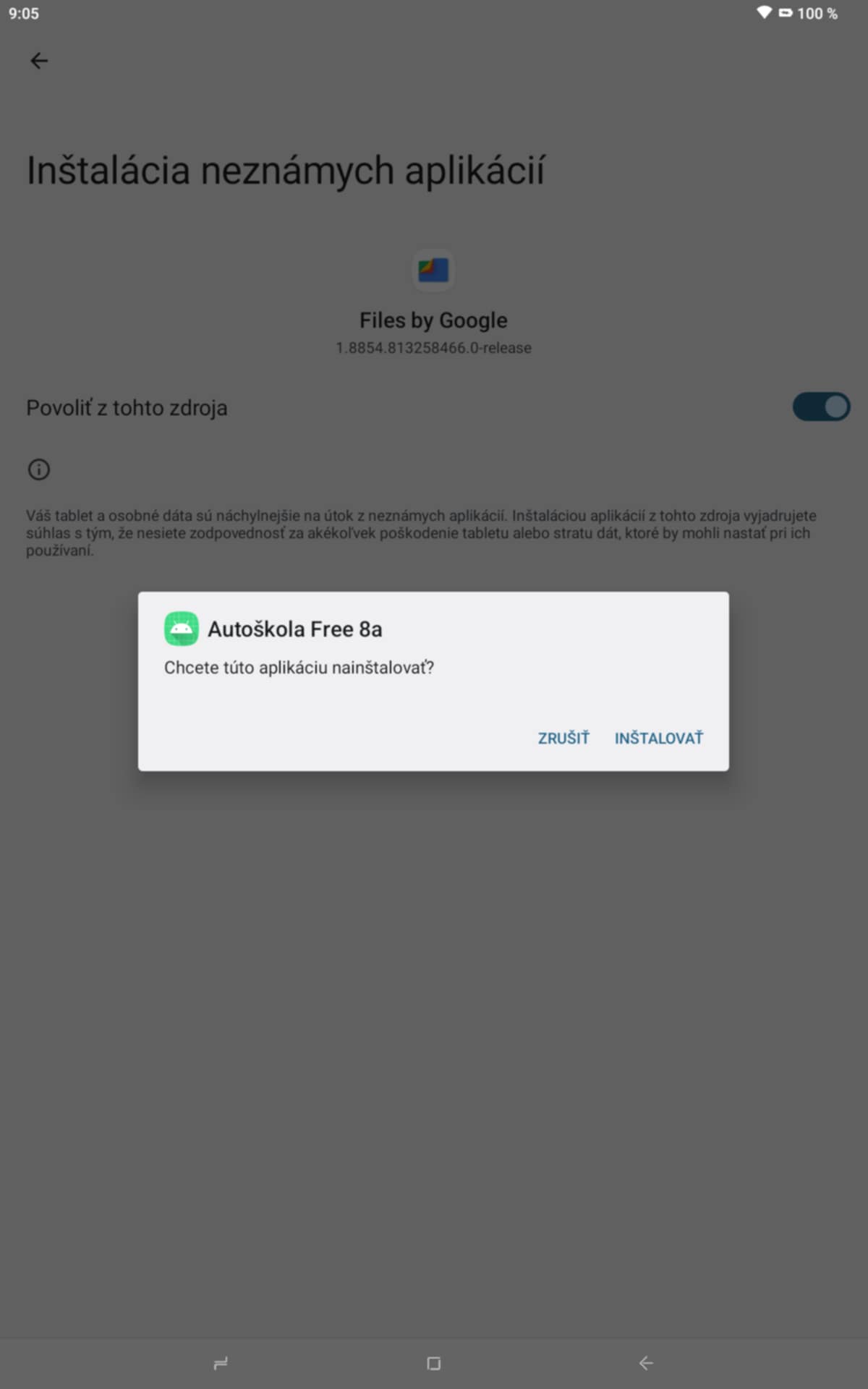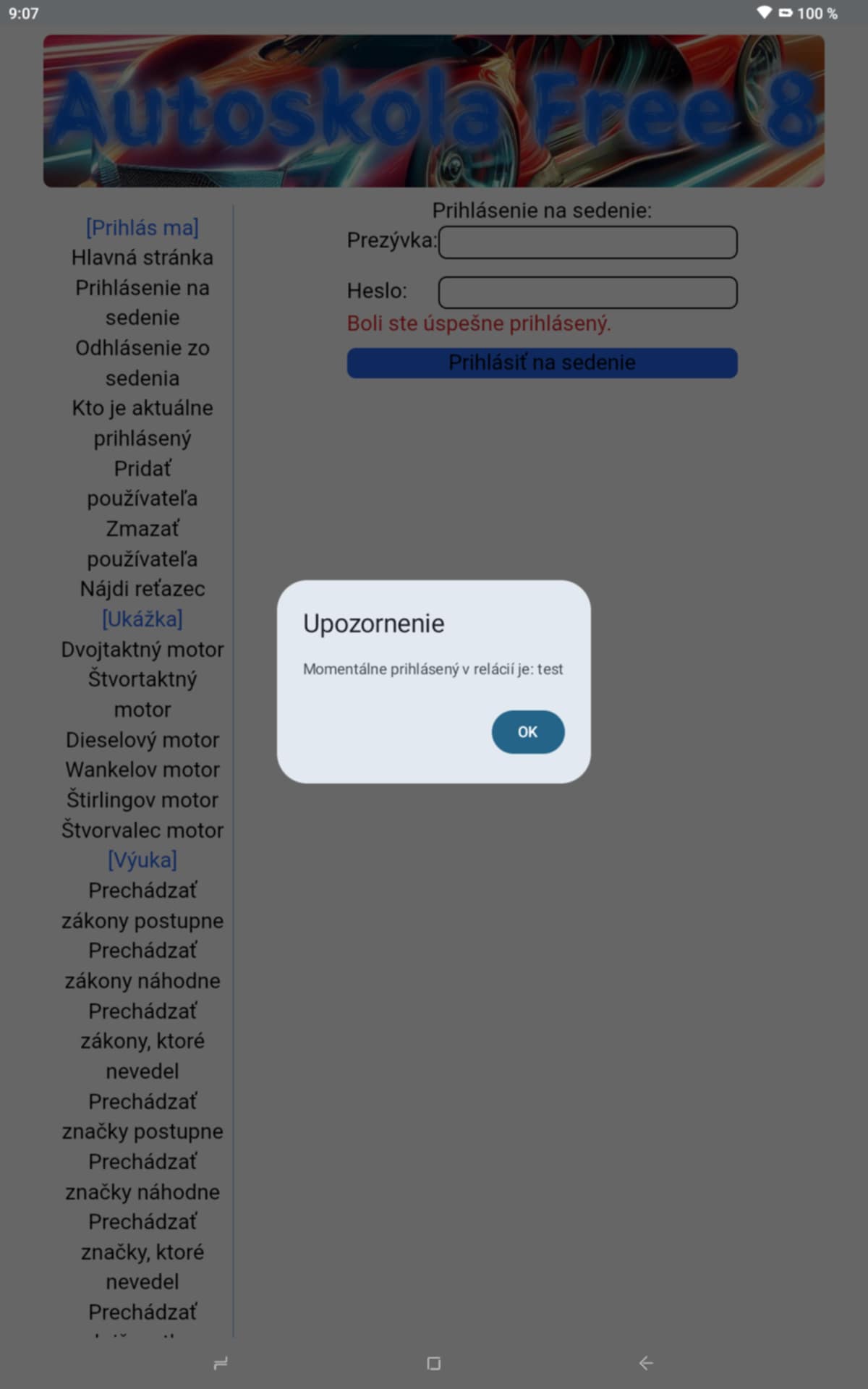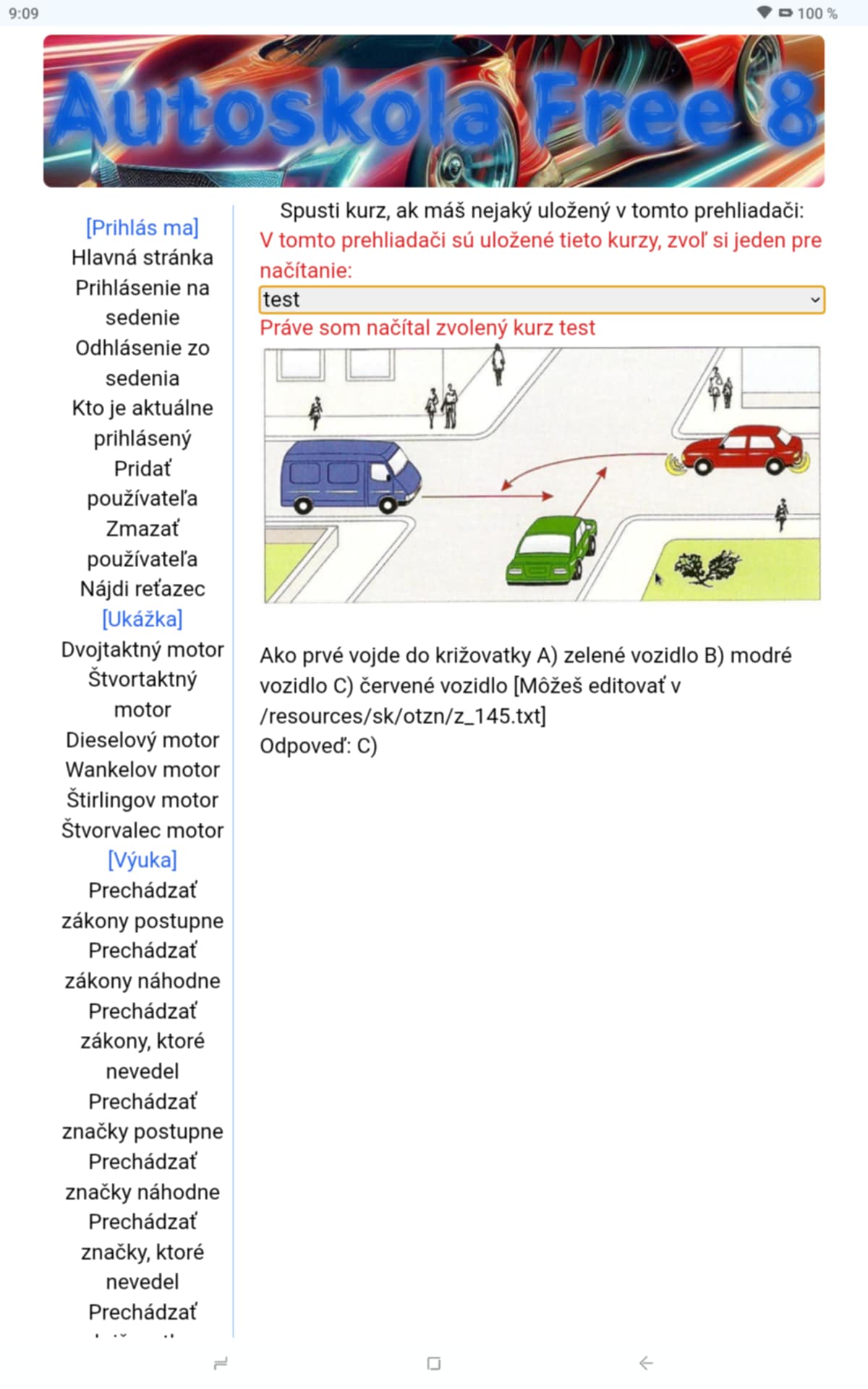
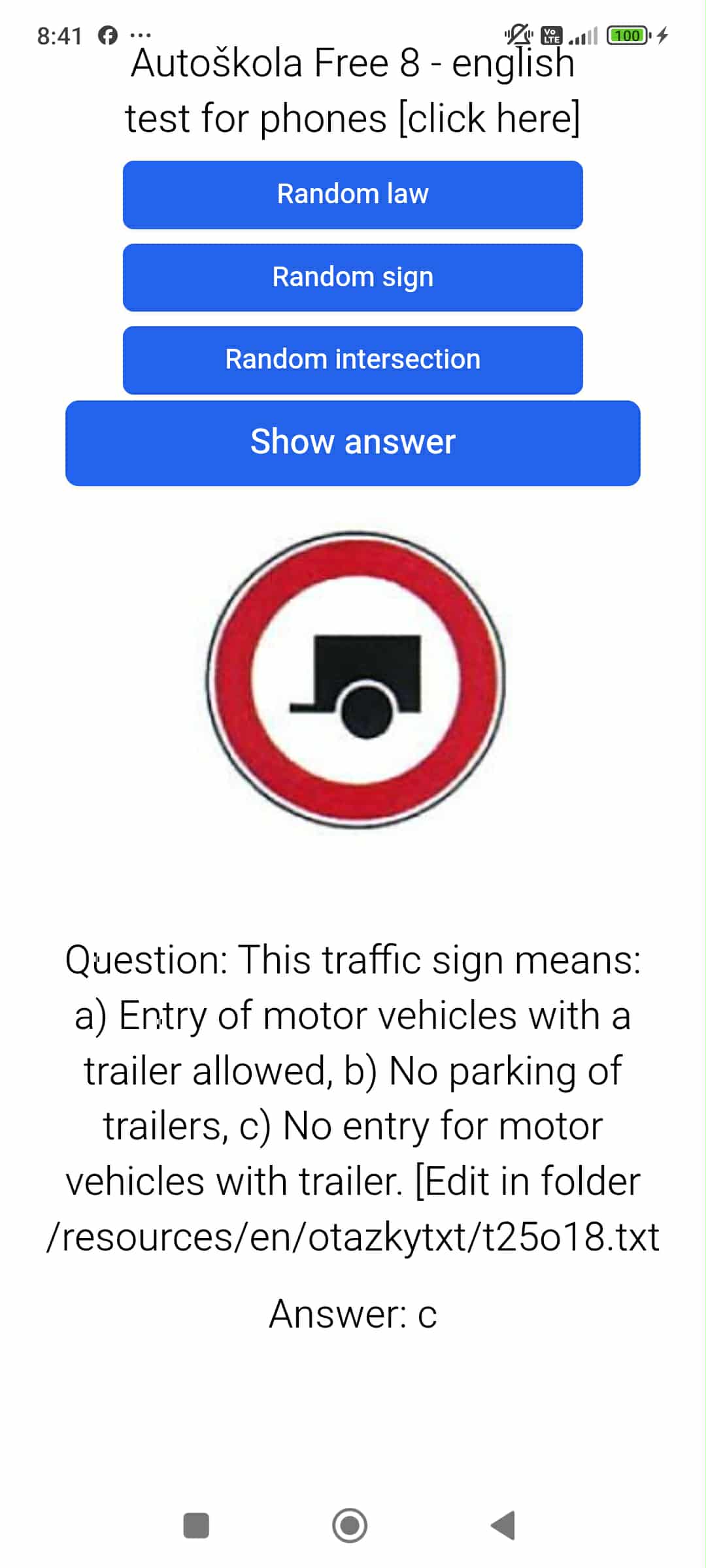
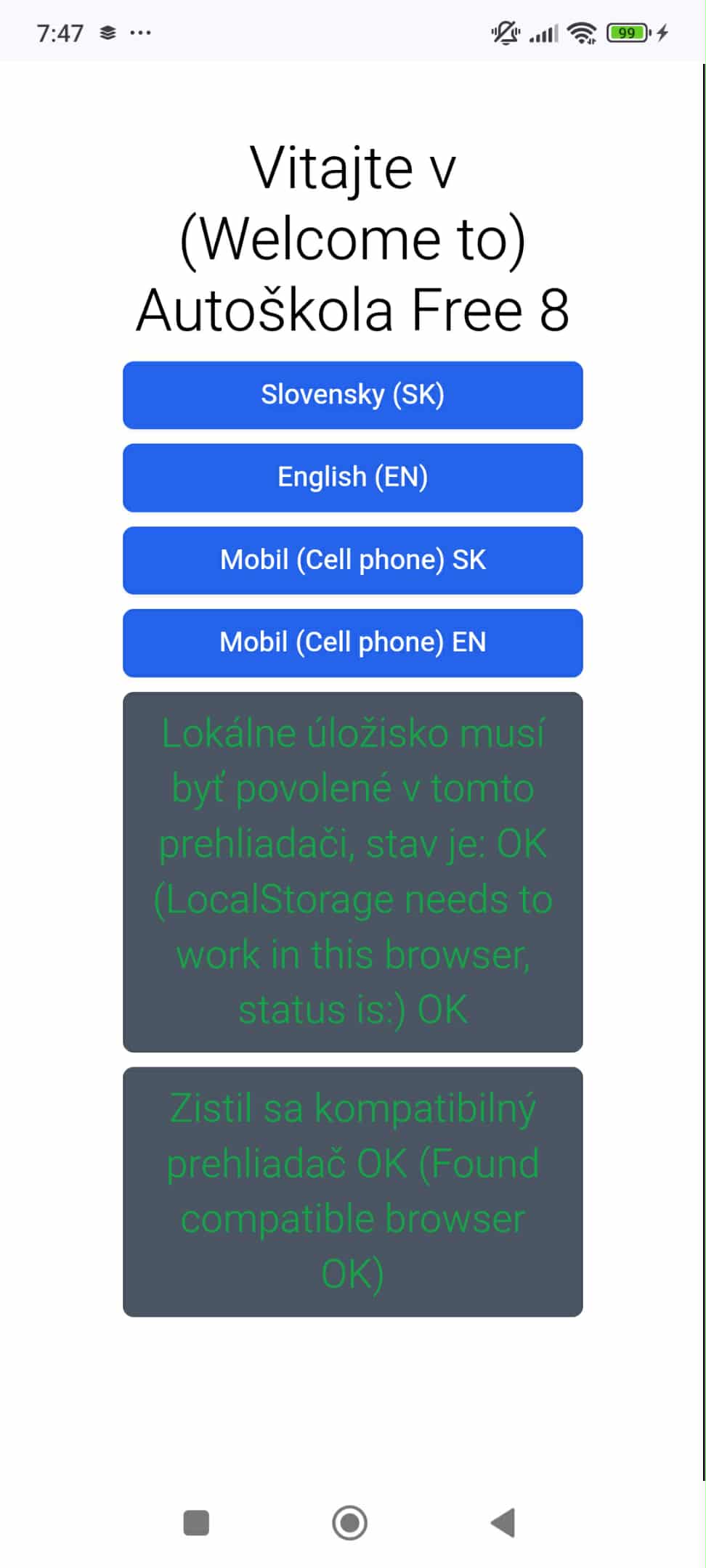
okay guys, I managed to compile autoskola8 for android, tested on my redmi13, here we have links: PLEASE WAIT FOR SOURCE CODE SYNCHRON WITH SERVER I have slow internet upload ;) https://hrubos.tech/repo/autoskola_free8_android_sideloading_offline_version_APK.zip || https://hrubos.tech/repo/autoskola_free8_android_studio_source_code_10.2025.zip
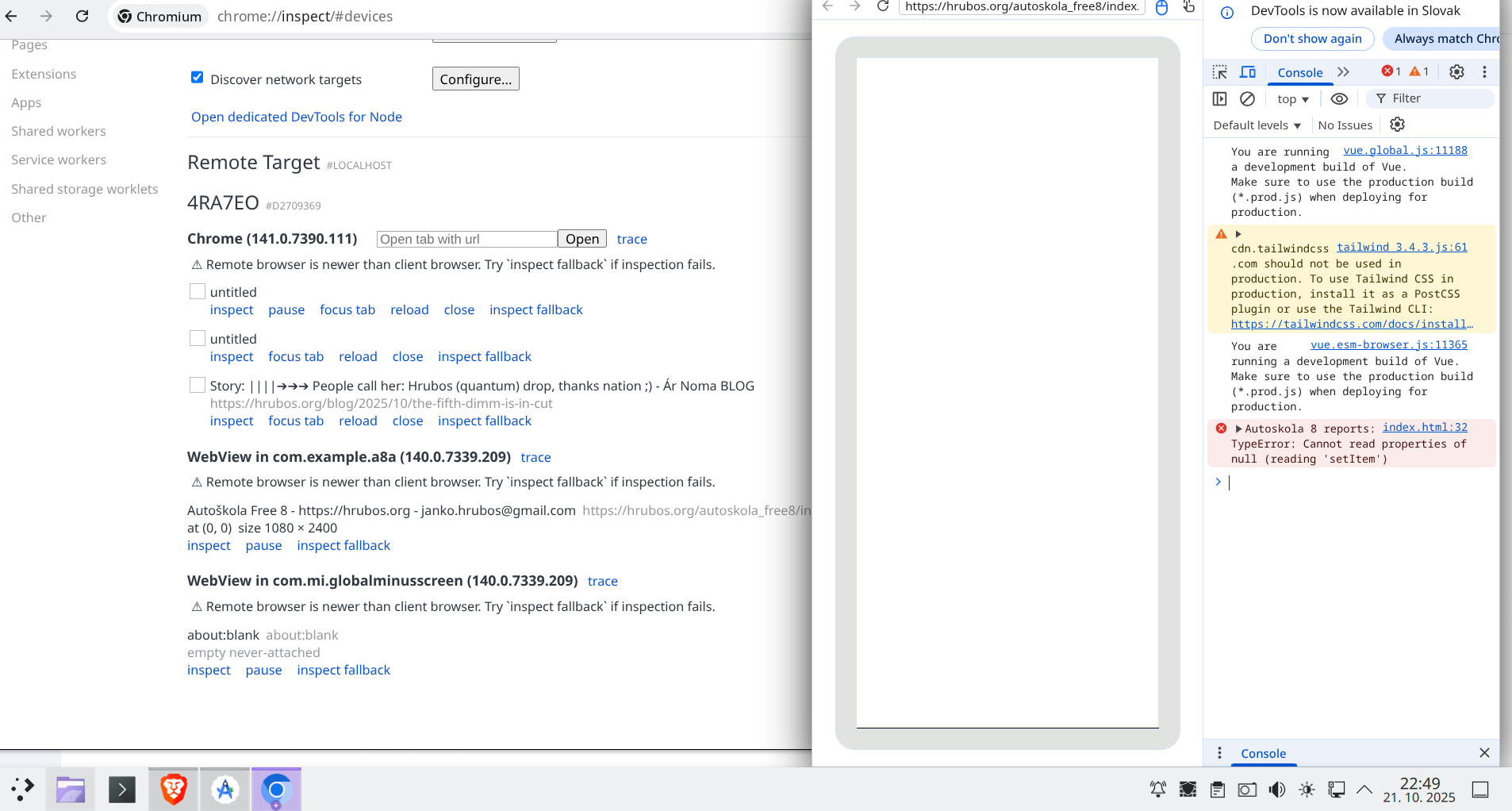
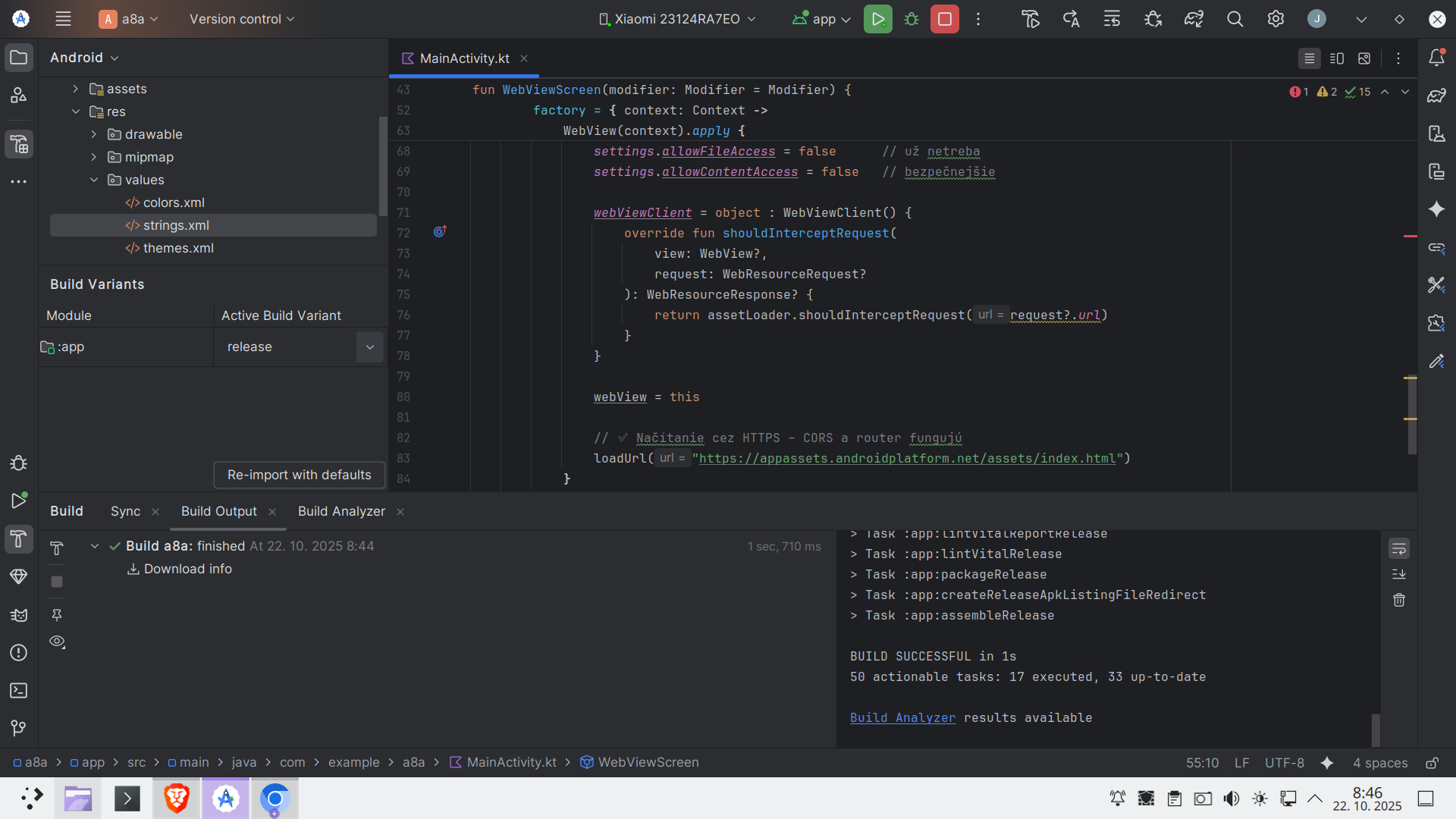
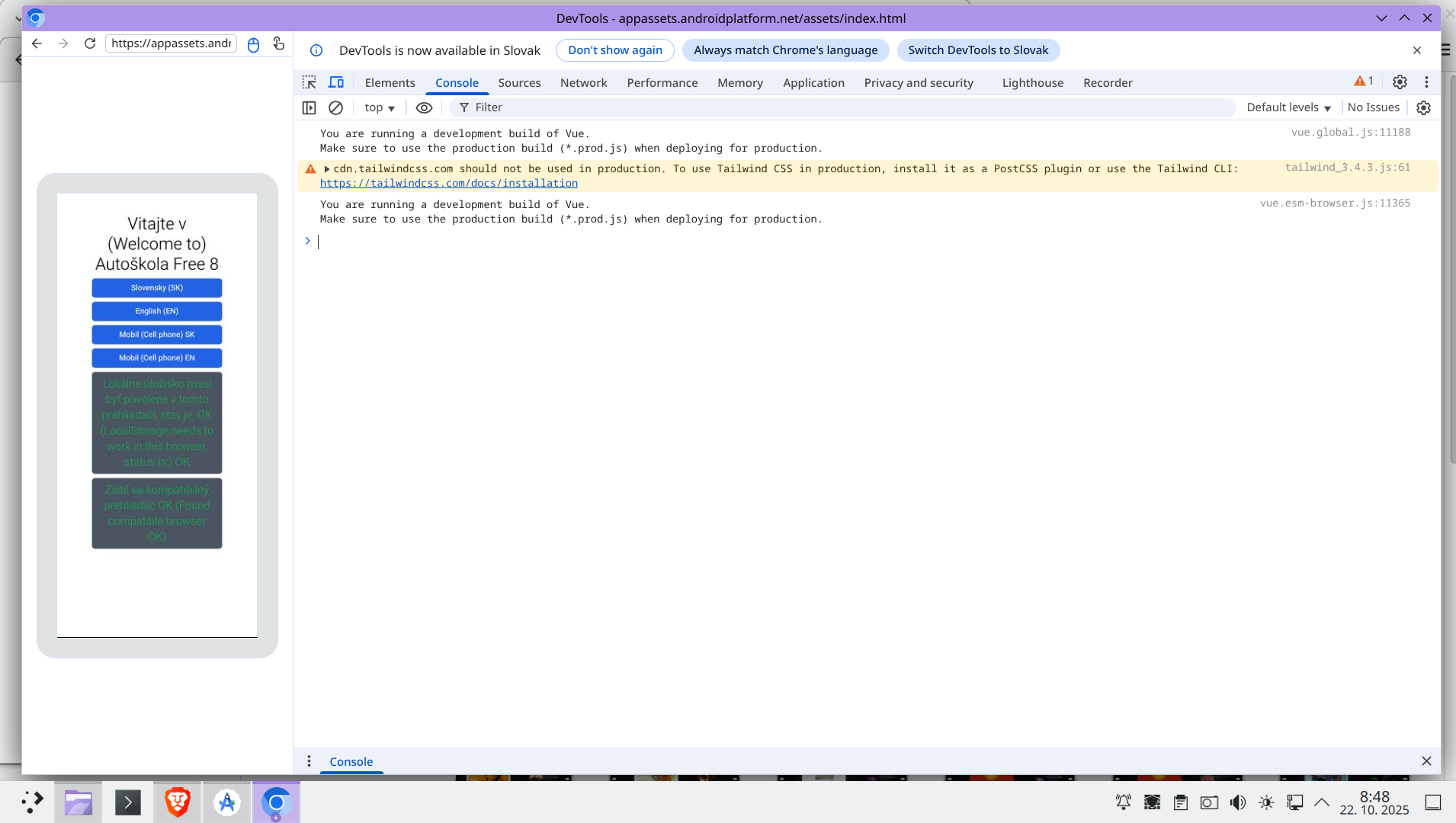
If you can not see pics, right click and choose Open in a new tab to zoom in a new tab in browser fullscreen ^^^
package com.example.a8a

import androidx.compose.runtime.Composable
import android.os.Bundle
import androidx.activity.ComponentActivity
import androidx.activity.compose.setContent
import androidx.activity.enableEdgeToEdge
import androidx.compose.foundation.layout.fillMaxSize
import androidx.compose.material3.Scaffold
import androidx.compose.ui.Modifier
import com.example.a8a.ui.theme.A8aTheme
import android.webkit.WebView
import android.webkit.WebViewClient
import androidx.compose.ui.viewinterop.AndroidView
import android.content.Context
import android.webkit.WebResourceRequest
import android.webkit.WebResourceResponse

import androidx.compose.runtime.remember
import androidx.compose.runtime.getValue
import androidx.compose.runtime.setValue
import androidx.compose.runtime.mutableStateOf
import androidx.activity.compose.BackHandler // Dôležitý import pre spracovanie tlačidla Späť
import androidx.webkit.WebViewAssetLoader

class MainActivity : ComponentActivity() {
    override fun onCreate(savedInstanceState: Bundle?) {
        super.onCreate(savedInstanceState)
        enableEdgeToEdge()
        setContent {
            A8aTheme {
                Scaffold(modifier = Modifier.fillMaxSize()) { innerPadding ->
                    // Váš kód pre zobrazenie WebView
                    WebViewScreen(modifier = Modifier.fillMaxSize())
                }
            }
        }
    }
}

// Premenované pre lepšiu sémantiku
@Composable
fun WebViewScreen(modifier: Modifier = Modifier) {
    var webView: WebView? by remember { mutableStateOf(null) }

    BackHandler(enabled = webView?.canGoBack() ?: false) {
        webView?.goBack()
    }

    AndroidView(
        modifier = modifier,
        factory = { context: Context ->
            // ✅ Mapuje obsah z  app/src/main/assets/  na HTTPS adresu
            /*val assetLoader = WebViewAssetLoader.Builder()
                .addPathHandler("/assets/", WebViewAssetLoader.AssetsPathHandler(context))
                .build()*/
            val assetLoader = WebViewAssetLoader.Builder()
                .addPathHandler("/assets/", WebViewAssetLoader.AssetsPathHandler(context))
                .addPathHandler("/", WebViewAssetLoader.AssetsPathHandler(context)) // 👈 toto pridaj
                .build()


            WebView(context).apply {
                WebView.setWebContentsDebuggingEnabled(true)

                settings.javaScriptEnabled = true
                settings.domStorageEnabled = true
                settings.allowFileAccess = false      // už netreba
                settings.allowContentAccess = false   // bezpečnejšie

                webViewClient = object : WebViewClient() {
                    override fun shouldInterceptRequest(
                        view: WebView?,
                        request: WebResourceRequest?
                    ): WebResourceResponse? {
                        return assetLoader.shouldInterceptRequest(request?.url)
                    }
                }

                webView = this

                // ✅ Načítanie cez HTTPS – CORS a router fungujú
                loadUrl("https://appassets.androidplatform.net/assets/index.html")
            }
        },
        update = {}
    )
}
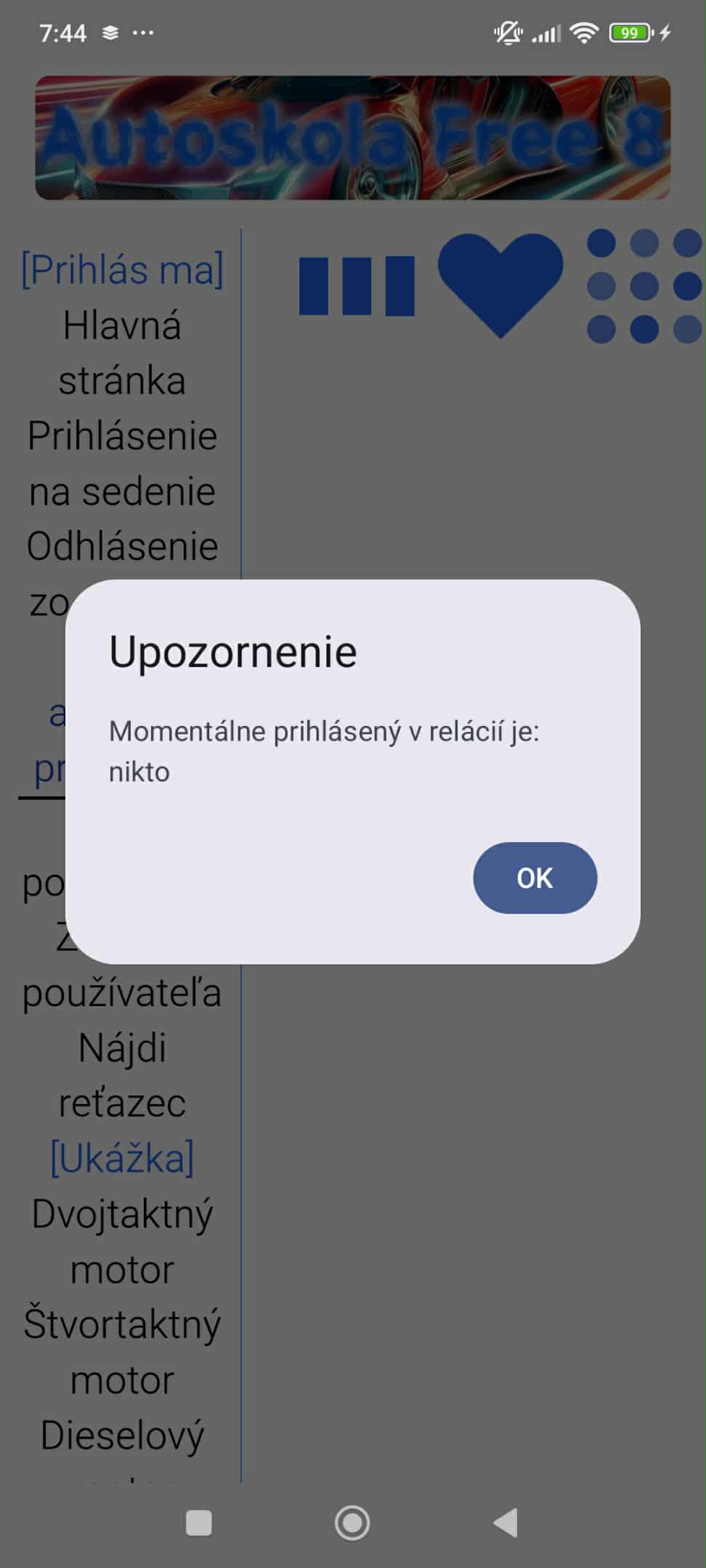
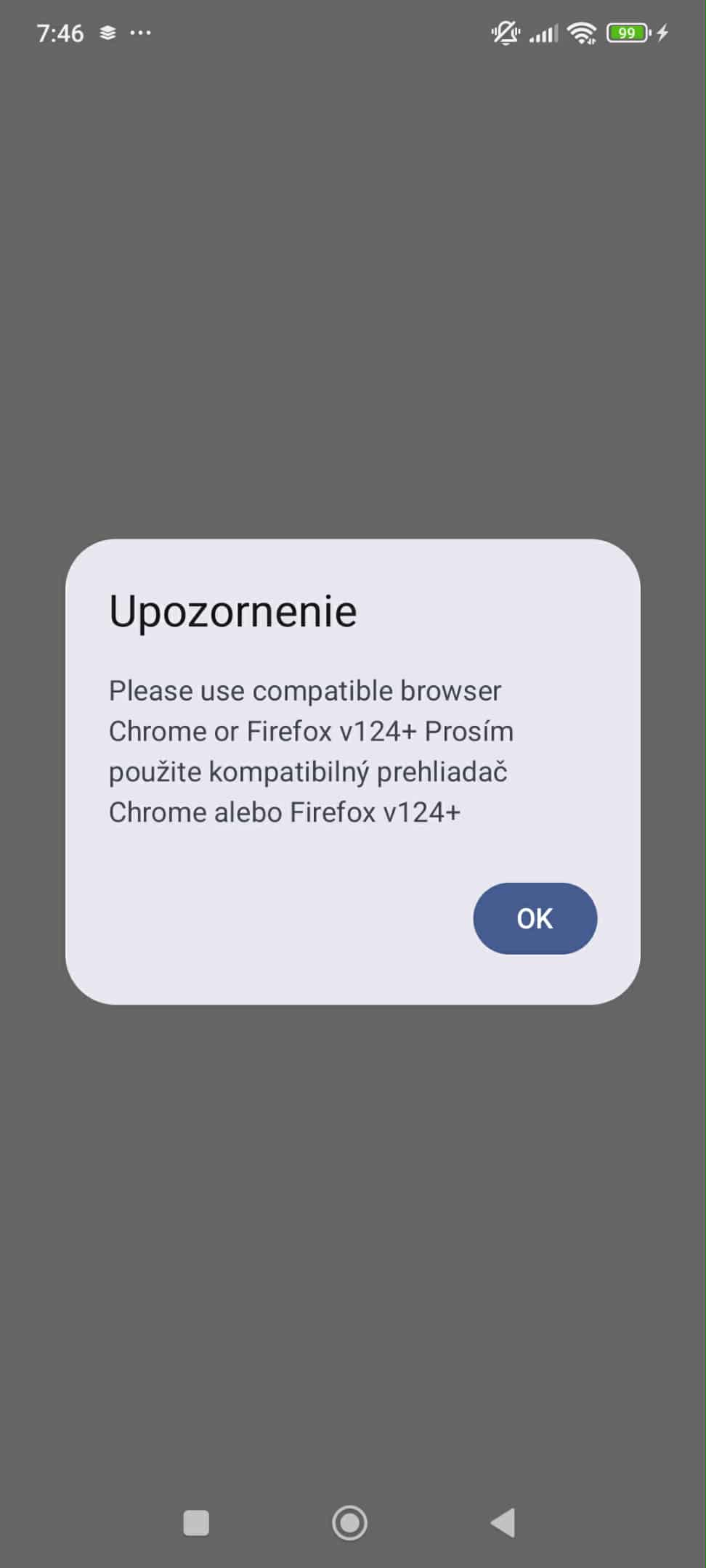
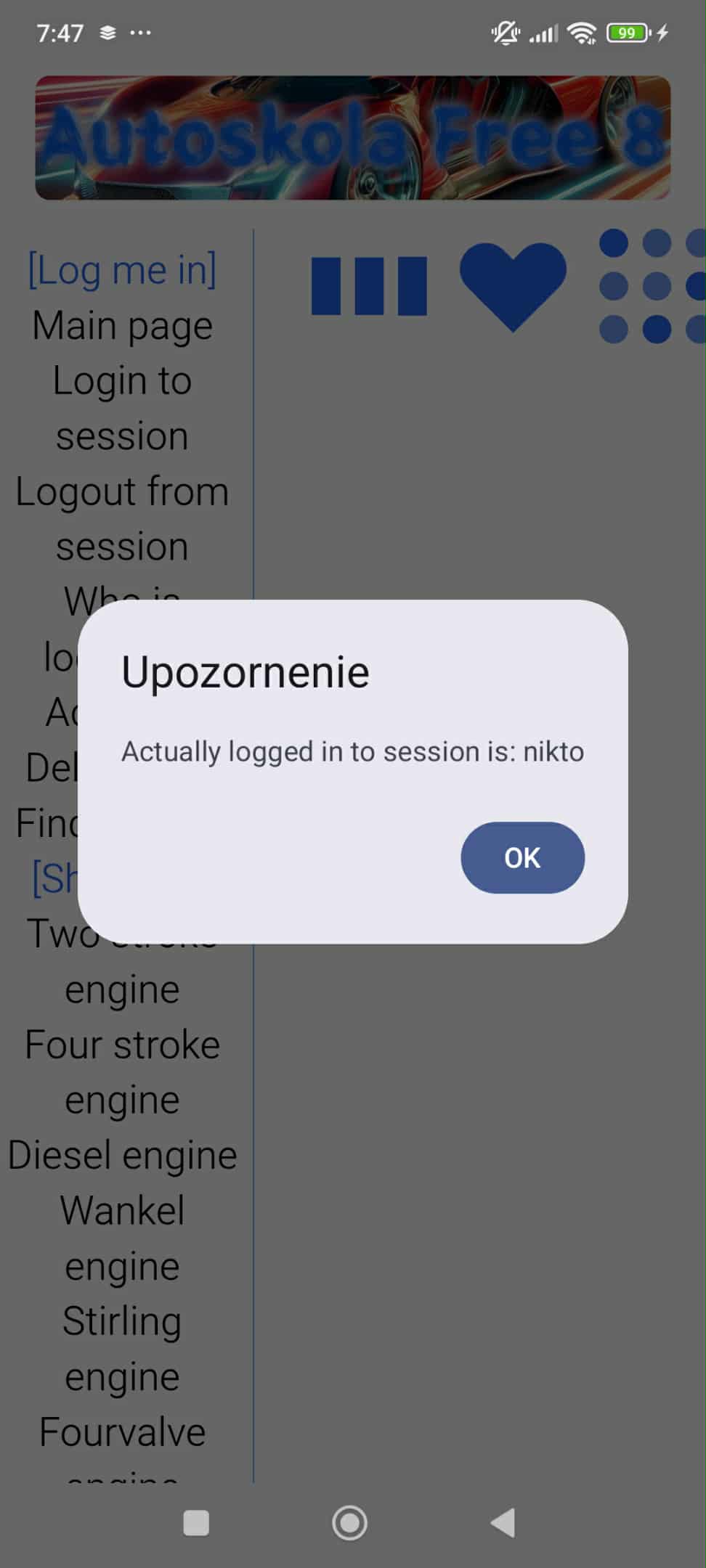
Edit2: We had to fix alert() popup in js, so fixed src is:
package org.hrubos.autokolafree8a

import android.content.Context
import android.os.Bundle
import android.webkit.WebResourceRequest
import android.webkit.WebResourceResponse
import android.webkit.WebView
import android.webkit.WebViewClient
import androidx.activity.ComponentActivity
import androidx.activity.compose.BackHandler
import androidx.activity.compose.setContent
import androidx.activity.enableEdgeToEdge
import androidx.compose.foundation.layout.fillMaxSize
import androidx.compose.foundation.layout.padding
import androidx.compose.material3.Scaffold
import androidx.compose.material3.Text
import androidx.compose.runtime.Composable
import androidx.compose.runtime.getValue
import androidx.compose.runtime.mutableStateOf
import androidx.compose.runtime.remember
import androidx.compose.runtime.setValue
import androidx.compose.ui.Modifier
import androidx.compose.ui.tooling.preview.Preview
import androidx.compose.ui.viewinterop.AndroidView
import androidx.webkit.WebViewAssetLoader
import org.hrubos.autokolafree8a.ui.theme.AutoškolaFree8aTheme
// Pridajte tieto importy na začiatok súboru WebViewScreen
import androidx.compose.material3.AlertDialog
import androidx.compose.material3.Button
import androidx.compose.runtime.mutableStateOf
import androidx.compose.runtime.saveable.rememberSaveable

//private val Unit.appcompat: Any

class MainActivity : ComponentActivity() {
    override fun onCreate(savedInstanceState: Bundle?) {
        super.onCreate(savedInstanceState)
        enableEdgeToEdge()
        setContent {
            AutoškolaFree8aTheme {
                Scaffold(modifier = Modifier.fillMaxSize()) { innerPadding ->
                    // Pridajte modifier s paddingom, ktorý dostanete zo Scaffoldu
                    WebViewScreen(modifier = Modifier.fillMaxSize().padding(innerPadding))
                }}
        }
    }
}

// Premenované pre lepšiu sémantiku
@Composable
fun WebViewScreen(modifier: Modifier = Modifier) {
    var webView: WebView? by remember { mutableStateOf(null) }

    // Stavy na ovládanie dialógového okna
    val showDialog = rememberSaveable { mutableStateOf(false) }
    val dialogMessage = rememberSaveable { mutableStateOf("") }
    var jsResult: android.webkit.JsResult? by remember { mutableStateOf(null) }

    // Zobrazí dialóg, keď sa stav `showDialog` zmení na true
    if (showDialog.value) {
        AlertDialog(
            onDismissRequest = {
                jsResult?.cancel()
                showDialog.value = false
            },
            title = { Text("Upozornenie") },
            text = { Text(dialogMessage.value) },
            confirmButton = {
                Button(
                    onClick = {
                        jsResult?.confirm()
                        showDialog.value = false
                    }) {
                    Text("OK")
                }
            }
        )
    }

    BackHandler(enabled = webView?.canGoBack() ?: false) {
        webView?.goBack()
    }

    AndroidView(
        modifier = modifier,
        factory = { context ->
            // ... (zvyšok kódu vnútri factory zostáva rovnaký)
            // Konfigurácia AssetLoader pre bezpečné načítanie lokálnych súborov cez https://
            val assetLoader = WebViewAssetLoader.Builder()
                .addPathHandler("/assets/", WebViewAssetLoader.AssetsPathHandler(context))
                .addPathHandler("/", WebViewAssetLoader.AssetsPathHandler(context))
                .build()

            WebView(context).apply {
                WebView.setWebContentsDebuggingEnabled(true)

                settings.javaScriptEnabled = true
                settings.domStorageEnabled = true
                settings.allowFileAccess = false
                settings.allowContentAccess = false

                // WebChromeClient zachytí volania alert() z JavaScriptu
                webChromeClient = object : android.webkit.WebChromeClient() {
                    override fun onJsAlert(
                        view: WebView,
                        url: String,
                        message: String?,
                        result: android.webkit.JsResult
                    ): Boolean {
                        // Nastavíme stavy, ktoré spustia vykreslenie Compose AlertDialogu
                        dialogMessage.value = message ?: ""
                        jsResult = result
                        showDialog.value = true // Spustí Compose AlertDialog v rámci hlavného composable
                        return true // Vrátenie 'true' znamená, že sme udalosť spracovali
                    }
                }

                // WebViewClient používa AssetLoader na načítanie lokálnych súborov
                webViewClient = object : WebViewClient() {
                    override fun shouldInterceptRequest(
                        view: WebView?,
                        request: WebResourceRequest?
                    ): WebResourceResponse? {
                        return assetLoader.shouldInterceptRequest(request?.url)
                    }
                }

                webView = this

                // OPRAVENÉ: Zmenili sme URL na priamu cestu k index.html
                // pretože je aktívny handler pre koreň ("/")
                loadUrl("https://appassets.androidplatform.net/assets/index.html")

            }
        },
        update = {}
    )
}
Test on tablet Donghee T10 Plus: